Control Multi-Channel Orders Without Switching Systems
Split orders. Validate inventory. Get paid—automatically. Built for businesses running across multiple systems, channels, and workflows
One system for orders, inventory, fulfillment, and payments.
Multi-channel selling shouldn’t feel like chaos
Right now, your team is stuck:
- Orders get split or shipped incorrectly
- Inventory is checked manually before every decision
- Teams don’t have access to the systems they need
- Payments are late—or never collected
This isn’t a sync problem. It’s a workflow problem. This isn’t another sync tool. It’s your order control layer.
Your Order Control Layer
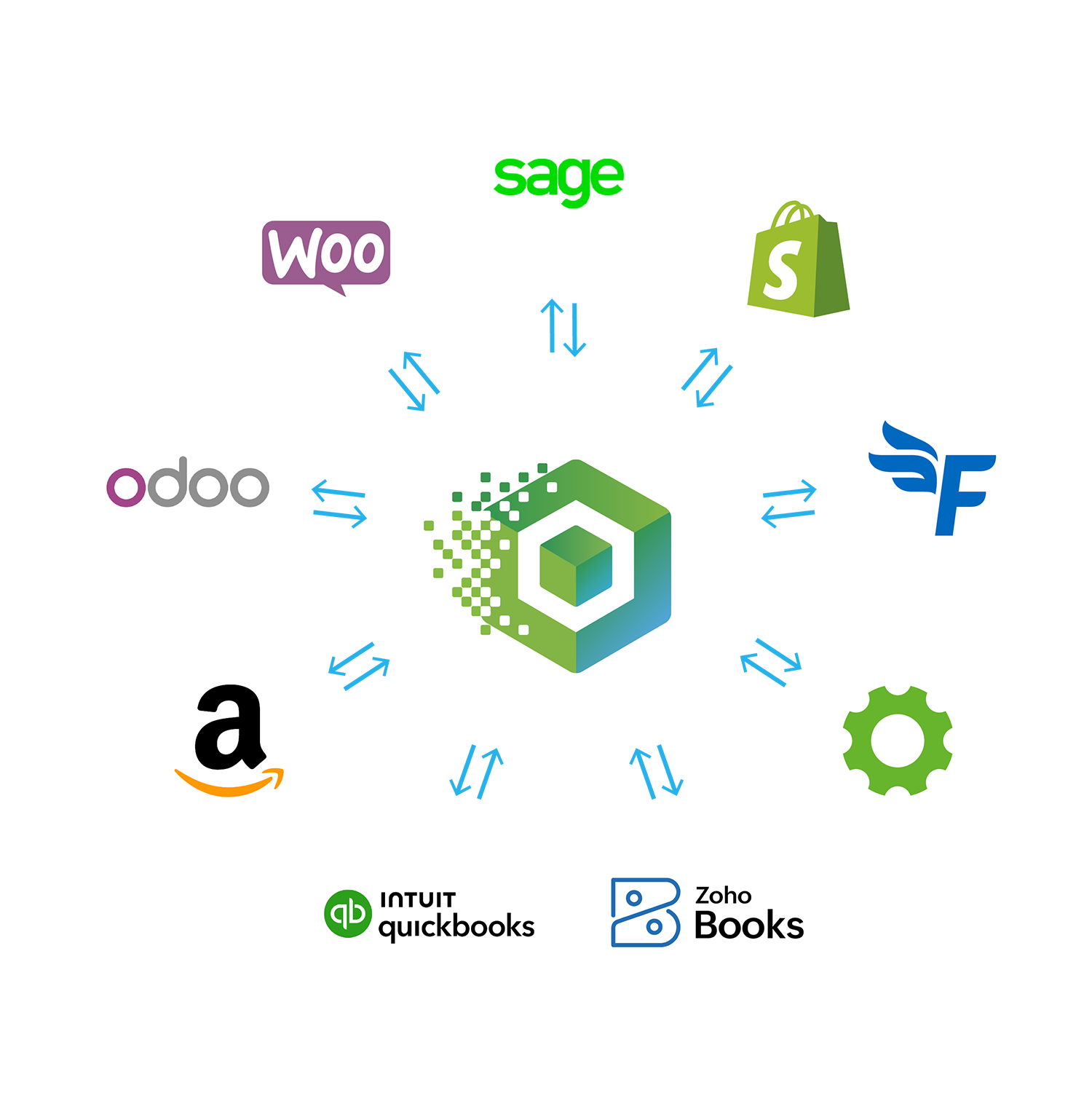
Connex Order Manager sits between your systems and runs the workflow:
- View every order in one place
- Validate inventory before fulfillment
- Automatically split or merge orders
- Trigger procurement when stock is missing
- Sync clean data to accounting and shipping
- Automate invoicing and payment collection
Inventory decides everything. We automate that decision.
How Every Order Gets Approved
Orders don’t move forward until they’re validated:
- Inventory is validated before anything ships
- Backorders are caught before they cause delays
- Orders are automatically split or merged based on stock
- Procurement is triggered so fulfillment never stalls
This isn’t a sync problem. It’s a workflow problem. This isn’t another sync tool. It’s your order control layer.
Before Connex
- Orders manually reviewed
- Inventory checked across systems
- Shipments delayed or incorrect
- Payments missed or late
After Connex
What changes when you add a control layer:
- Orders processed automatically
- Inventory validated instantly
- Fulfillment always accurate
- Payments collected on time
Trusted by Teams Running Complex Workflows


Control Every Order Before It Breaks Your Workflow
Validate inventory, split or merge orders, and automate fulfillment decisions—before anything is shipped.
Explore features like:
- Customize order workflows to your business
- Automatically sync order data
- Easily manage large order volumes
Why Connex Wins
Built for complexity—not simple sync
FAQ
Find answers to frequently asked questions about Connex Ecommerce.
How is this different than an ERP?
You can remain on your existing systems, like QuickBooks, without having to migrate all of your data. Connex Order Manager sits on top of your existing stack.
What happens if inventory is wrong?
If inventory is incorrect, you are unable to fulfill sales properly. Often, items require ordering from multiple suppliers. By having the proper inventory in the same dashboard that splits orders, you ensure sales are ready to ship. Connex is built to support real-world workflows, including partial shipments, multi-location fulfillment, and custom routing logic.
Can this handle B2B + DTC workflows together?
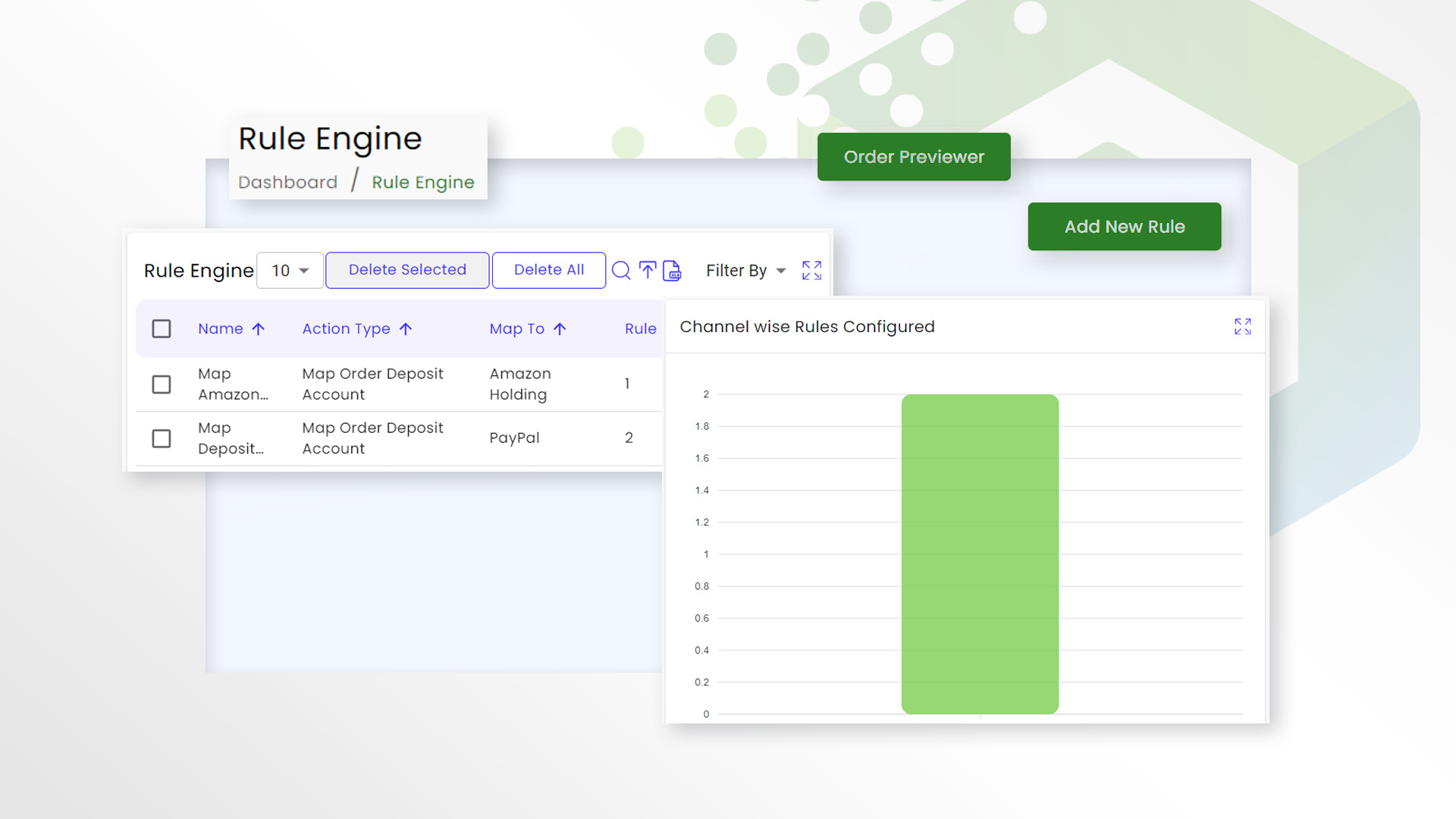
Yes, Connex can handle these workflows together. Using the Connex Rules Engine, you can easily map fields to meet your business needs.
What does onboarding actually look like?
Schedule a call with our team. We will help set up your connections and your workflow.
Can Connex handle complex fulfillment scenarios like split shipments or backorders?
Yes. Connex is built to support real-world workflows, including partial shipments, multi-location fulfillment, and custom routing logic.
Will this work with our ERP or fulfillment provider?
Connex integrates with systems like NetSuite, QuickBooks, ShipStation, and other 3PL tools.
Do we need to change how we currently process orders?
No. Connex adapts to your workflows and improves them without requiring a full system overhaul.
How quickly can we get started?
Most teams can validate a working workflow quickly through a guided setup.
See How Your Workflow Would Run in Connex
If your team is manually reconciling orders, inventory, or payments, your workflow is already breaking.
Connex replaces patchwork integrations with a system that actually works.
What happens next
We’ll map your workflow and identify the fastest path to automation:
- Identify where your workflow is breaking
- Map how your systems should connect
- Get a clear recommendation
- See how automation would work for you