.svg "Connex Ecommerce Logo-white (1)")
B2B Order Fulfillment Automation for QuickBooks Workflows
Connex Ecommerce connects your ecommerce, fulfillment, and QuickBooks workflows for complex B2B and wholesale operations. With guided onboarding from integration specialists, we configure routing rules, partial shipments, backorders, invoices, and tracking updates around the way your business already operates.
How Connex Works
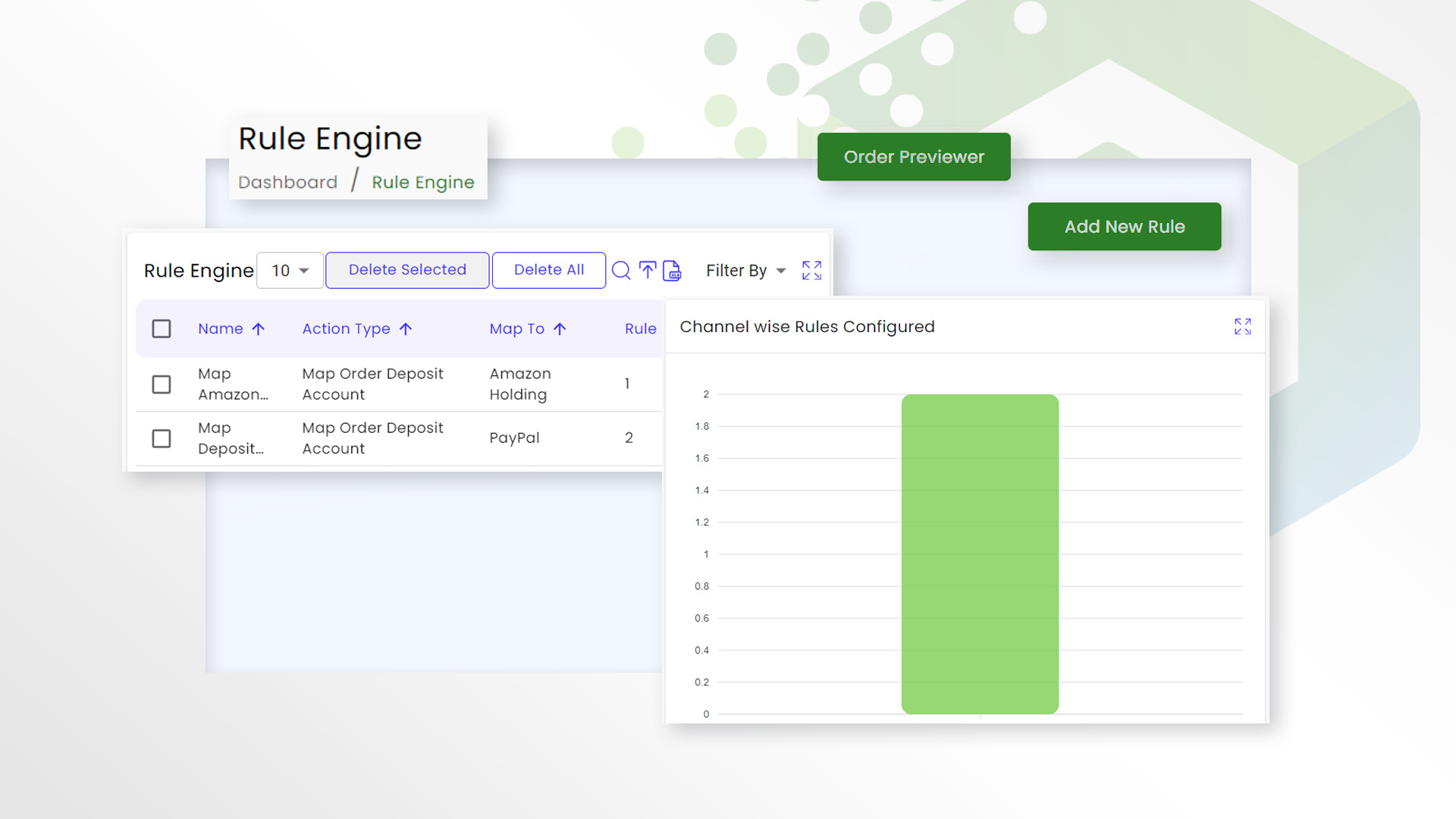
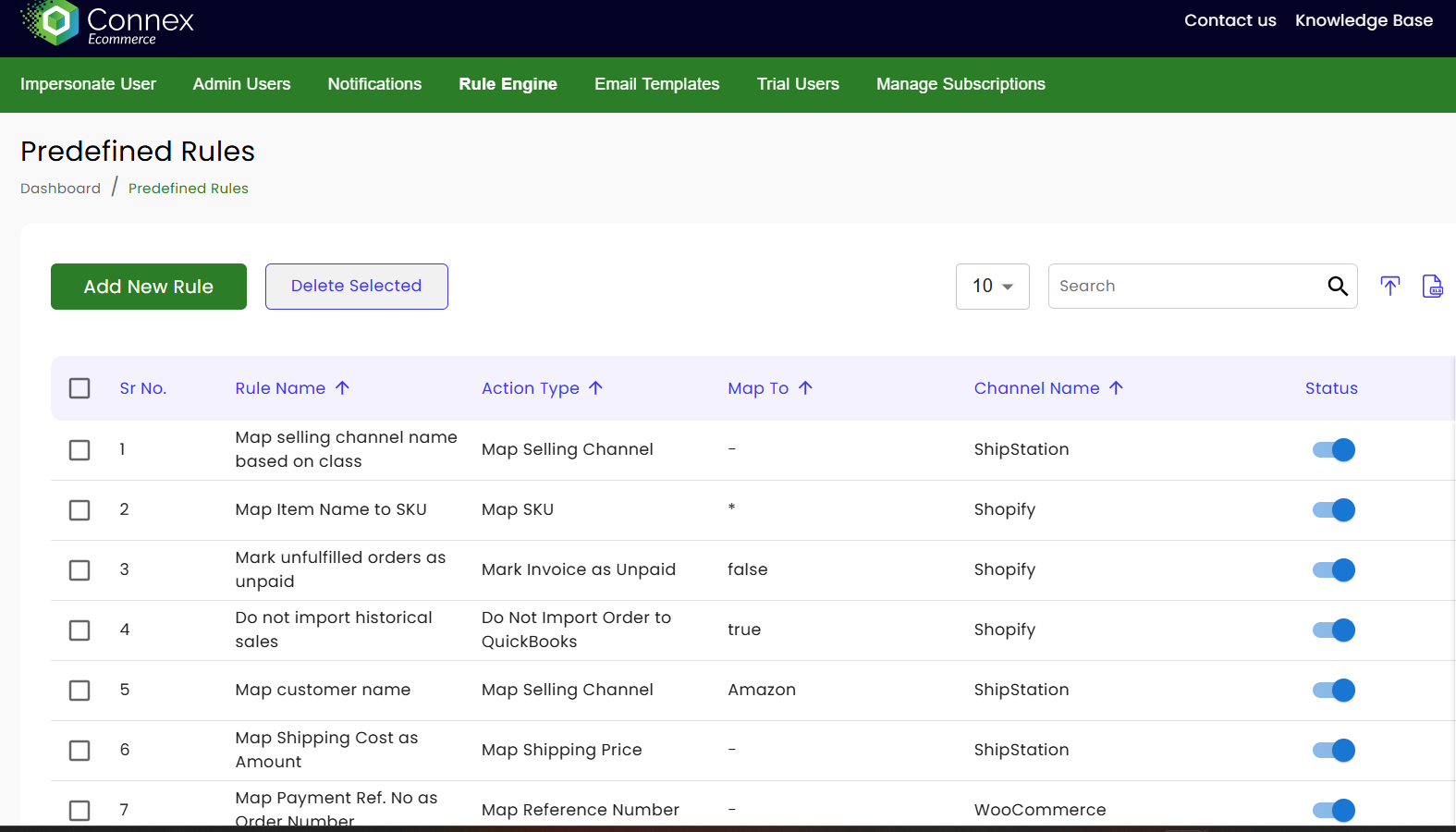
Connex provides guided onboarding for your B2B order fulfillment workflow. An ecommerce integration specialist reviews your process, helps configure warehouse routing rules and field mappings, tests partial shipments and exceptions, and supports your team through launch.
A B2B order does not finish when a warehouse marks it shipped. It still has to route to the right facility, survive a partial shipment or backorder, and land back in your accounting system as the correct invoice or sales order with tracking attached. Do that by hand across three systems and something eventually breaks: a customer gets billed for product that never shipped, or an invoice never goes out at all.
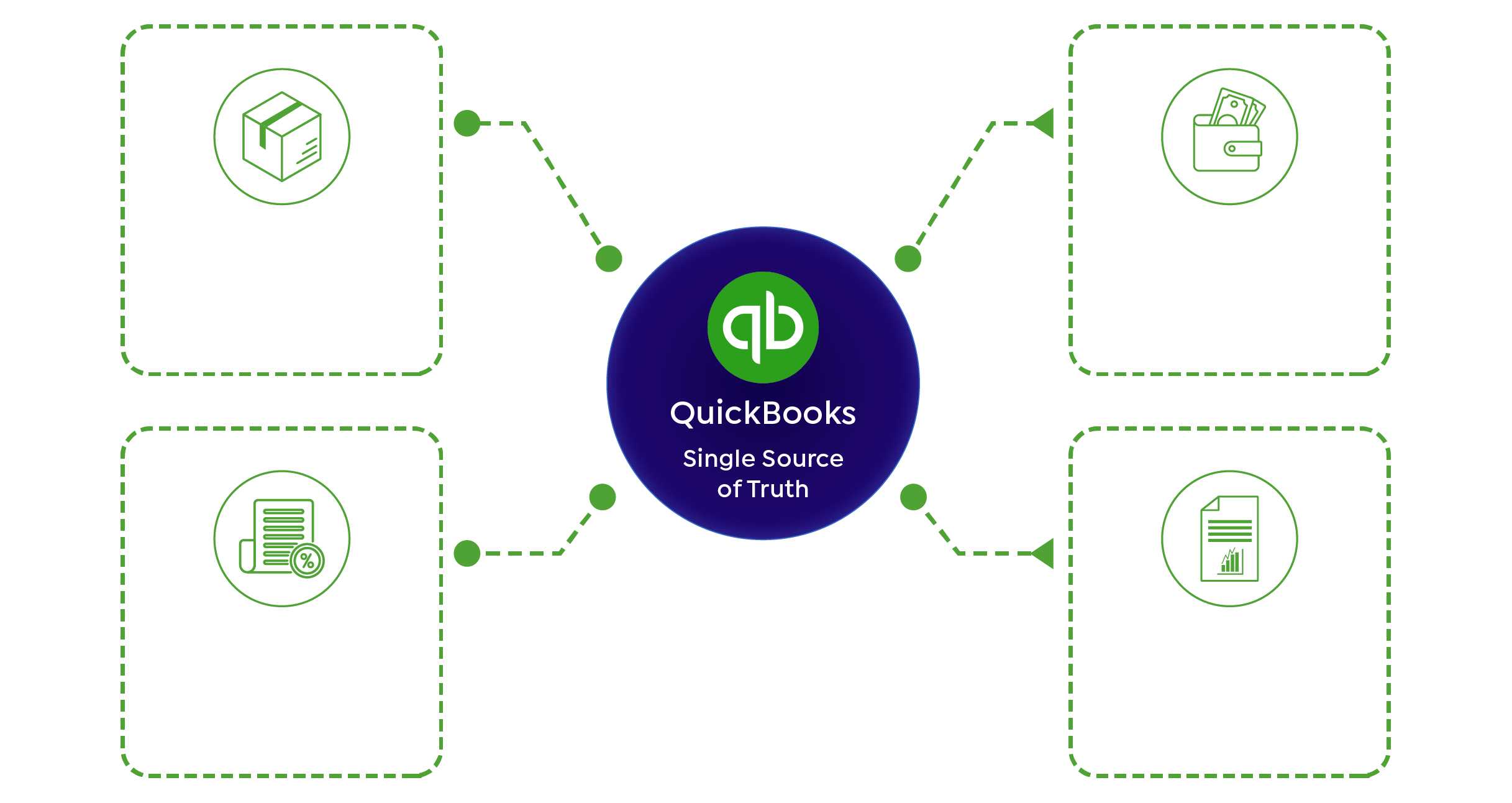
Connex automates the workflow between your fulfillment platform, your warehouses or 3PLs, and QuickBooks, so fulfillment and accounting move together without a person in the middle.
How Connex Solves It
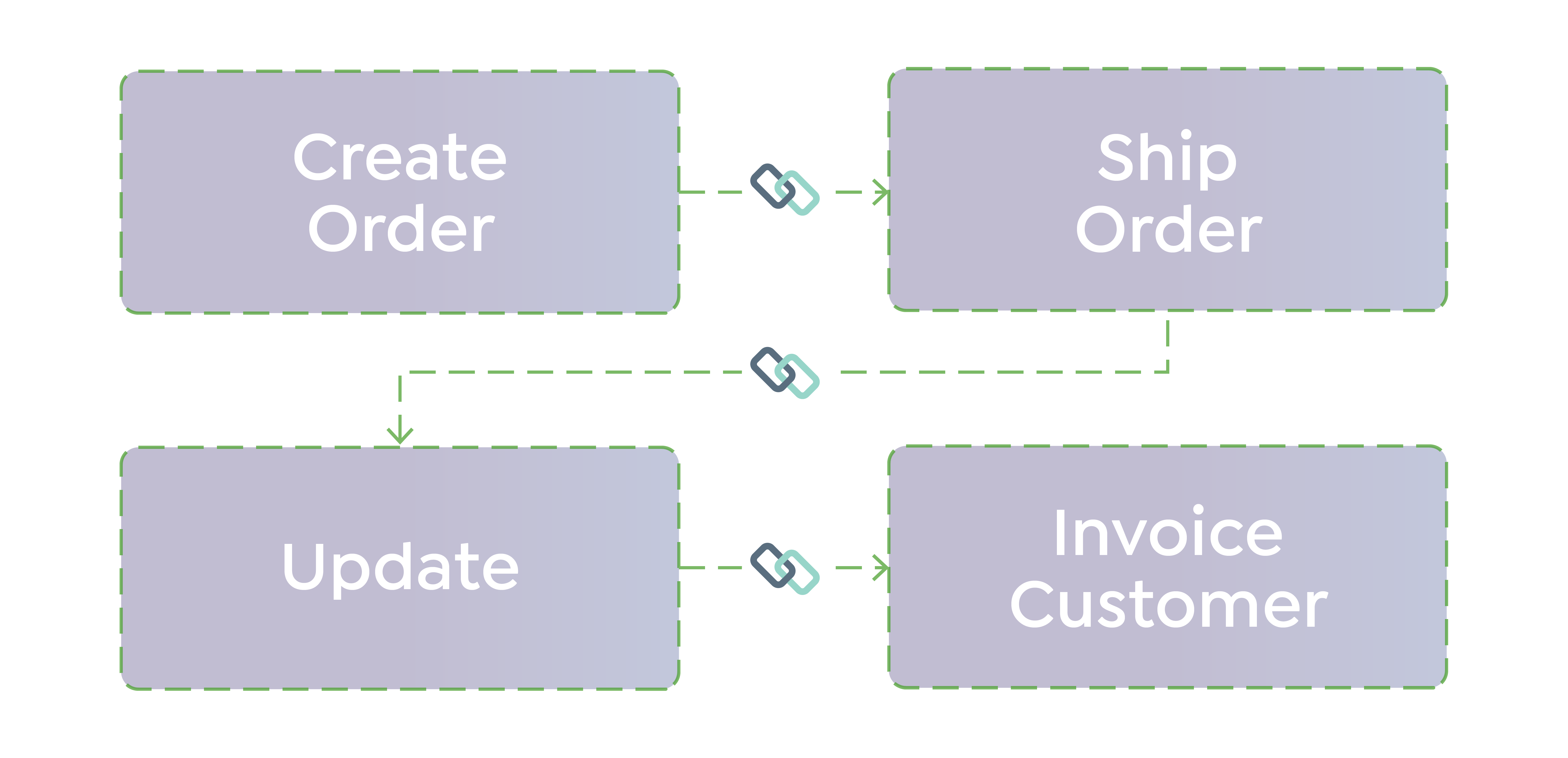
Connex applies routing rules to send B2B and wholesale orders to the correct warehouse or 3PL, manages partial shipments and backorders as they happen instead of as exceptions to clean up later, and updates shipment status and tracking in QuickBooks once an order ships. If you are migrating between fulfillment platforms, Connex carries that transition so your accounting does not break in the process.
This fits sellers running more than one warehouse or 3PL, processing wholesale orders with frequent partial shipments, mid platform migration, or losing real hours each week reconciling fulfillment against accounting by hand.
Automating B2B Order Fulfillment End to End
Automating B2B order fulfillment means the order, the warehouse routing, the shipment, and the accounting record all move as one workflow instead of four separate manual steps. Connex handles the routing and the handoff back to accounting together, rather than solving one piece and leaving the rest to a spreadsheet.Standalone Inventory Tools vs. Connex
Standalone 3PL inventory tools are built to manage inventory across warehouses, and they do that job well. What they don't do is keep your accounting system in sync with what's happening on the fulfillment side without a separate integration.
Order Automation vs. ERP
An ERP solves fulfillment complexity by replacing everything at once: accounting, inventory, and fulfillment all move to one new system. That's a real project, with a real cost and a real timeline.
Billing for Shipping
Some wholesale sellers bill customers for shipping, some don't, and some mark shipping costs up. That decision needs to carry through consistently from the fulfillment side to the invoice.
Fulfillment Status Back to Accounting
The moment an order ships, accounting can automatically receive the shipment status and tracking information based on your invoicing workflow. If invoices aren't updating after shipment, that usually means the fulfillment event and the accounting record aren't talking to each other at all.
SS Tubes streamlined order processing across ecommerce and accounting systems
Connex automated workflows across systems to reduce manual work and improve operational efficiency.
View case study
— Josh Stamper, COO, Fine Lines.
Proof

-1.jpg?width=1000&height=1000&name=Untitled%20design%20(1)-1.jpg)
See What Manual Order Processing Is Costing You
Estimate the time and labor you could save by automating your B2B fulfillment workflow between QuickBooks and your fulfillment platform.
Why Basic Order Fulfillment Connectors Break Down for Complex B2B Workflows
| Features | Capability | Basic ShipStation Connector | Connex |
|---|---|---|---|
| No onboarding | Set Up Approach | Self-Service | Guided implementation with ecommerce specialists |
| Mostly one-way data movement | Data Movement | Mostly one-way data movement | Two-way order, inventory & fulfillment workflows |
| Technical Support | Technical Support | Generic Troubleshooting | Support for your specific fulfillment and accounting workflow |
| Rigid field mappings | Workflow flexibility | Rigid field mappings | Conditional rules & custom field mapping |
| Partial Shipments | Partial Shipments | May require manual clean-up | Configured to update QuickBooks as fulfillment occurs |
| Onboarding | Onboarding | Documentation or DIY setup | Workflow assessment, configuration, testing, and launch support |
| Best For | Best For | Built for simple A → B syncing | Built for complex, multi-system workflows |
Frequently Asked Questions
Does Connex provide onboarding for B2B order fulfillment workflows?
Who configures the fulfillment and QuickBooks workflow?
What technical support does Connex provide after launch?
For what type of customer is Connex the best fit?
Can Connex route orders to different warehouses or 3PLs automatically?
Will Connex work with our existing QuickBooks setup?
Can Connex handle partial shipments, backorders, and split invoices?
Can Connex handle orders that split across multiple fulfillment locations?
ROI
See what manual fulfillment reconciliation is costing your team, on any platform.
Stop Wasting Time Fixing Broken Workflows
If your team is manually reconciling orders, inventory, or payouts, you’re paying for it in errors, delays, and lost visibility. Connex replaces patchwork integrations with a workflow that actually works—built for your systems and your process.
.jpg)
.jpg)